
项目摘要
用于构建、测试和部署MCPServer与MCPApp的全栈框架,支持TypeScript和Python。
mcp-use提供SDK、脚手架、Inspector和CLI,帮助开发者为ChatGPT、Claude等MCP客户端构建MCPServer、交互式MCPApp及相关集成。适合使用TypeScript或Python开发AI工具、MCP服务和代理工作流的团队与个人开发者。
项目详细信息










关于
mcp-use 是全栈 MCP 框架 为 ChatGPT / Claude 和 AI 代理的 MCP 服务器构建 MCP 应用程序。
- 使用 mcp-use SDK 构建 (ts | py):MCP 服务器和 MCP 应用程序
- mcp-use MCP Inspector 上的 预览 (online | oss):测试和调试您的 MCP 服务器和应用程序
- 在 Manufact MCP Cloud 上部署:连接您的 GitHub 存储库,让您的 MCP 服务器和应用程序在生产环境中启动并运行,并具有可观察性、指标、日志、分支部署等
文档
访问我们的 docs 或跳转到快速入门 (TypeScript | Python)
编码代理的技能
使用 Claude Code、Codex、Cursor 或其他 AI 编码代理?
快速入门:MCP 服务器和 MCP 应用程序
 TypeScript
构建您的第一个 MCP 服务器或 MPC 应用程序:
npx create-mcp-use-app@latest
或者手动创建服务器:
import { MCPServer, text } from "mcp-use/server";
import { z } from "zod";

const server = new MCPServer({
  name: "my-server",
  version: "1.0.0",
});

server.tool({
  name: "get_weather",
  description: "Get weather for a city",
  schema: z.object({ city: z.string() }),
}, async ({ city }) => {
  return text(`Temperature: 72°F, Condition: sunny, City: ${city}`);
});

await server.listen(3000);
// Inspector at http://localhost:3000/inspector
→ Full TypeScript Server Documentation
MCP 应用程序
MCP 应用程序可让您构建跨 Claude、ChatGPT 和其他 MCP 客户端运行的交互式小部件 — 编写一次,随处运行。
服务器:定义一个工具并将其指向一个小部件:
import { MCPServer, widget } from "mcp-use/server";
import { z } from "zod";

const server = new MCPServer({
  name: "weather-app",
  version: "1.0.0",
});

server.tool({
  name: "get-weather",
  description: "Get weather for a city",
  schema: z.object({ city: z.string() }),
  widget: "weather-display", // references resources/weather-display/widget.tsx
}, async ({ city }) => {
  return widget({
    props: { city, temperature: 22, conditions: "Sunny" },
    message: `Weather in ${city}: Sunny, 22°C`,
  });
});

await server.listen(3000);
小部件:在 resources/weather-display/widget.tsx 中创建一个 React 组件:
import { useWidget, type WidgetMetadata } from "mcp-use/react";
import { z } from "zod";

const propSchema = z.object({
  city: z.string(),
  temperature: z.number(),
  conditions: z.string(),
});

export const widgetMetadata: WidgetMetadata = {
  description: "Display weather information",
  props: propSchema,
};

const WeatherDisplay: React.FC = () => {
  const { props, isPending, theme } = useWidget<z.infer<typeof propSchema>>();
  const isDark = theme === "dark";

  if (isPending) return <div>Loading...</div>;

  return (
    <div style={{
      background: isDark ? "#1a1a2e" : "#f0f4ff",
      borderRadius: 16, padding: 24,
    }}>
      <h2>{props.city}</h2>
      <p>{props.temperature}° — {props.conditions}</p>
    </div>
  );
};

export default WeatherDisplay;
resources/ 中的小部件是自动发现 - 无需手动注册。
模板
即用型 MCP 应用程序,您可以一键部署或重新混合为您自己的应用程序。
| 预览 | 名称 | 工具 | 演示网址 | 回购 | 部署 |
|---|---|---|---|---|---|
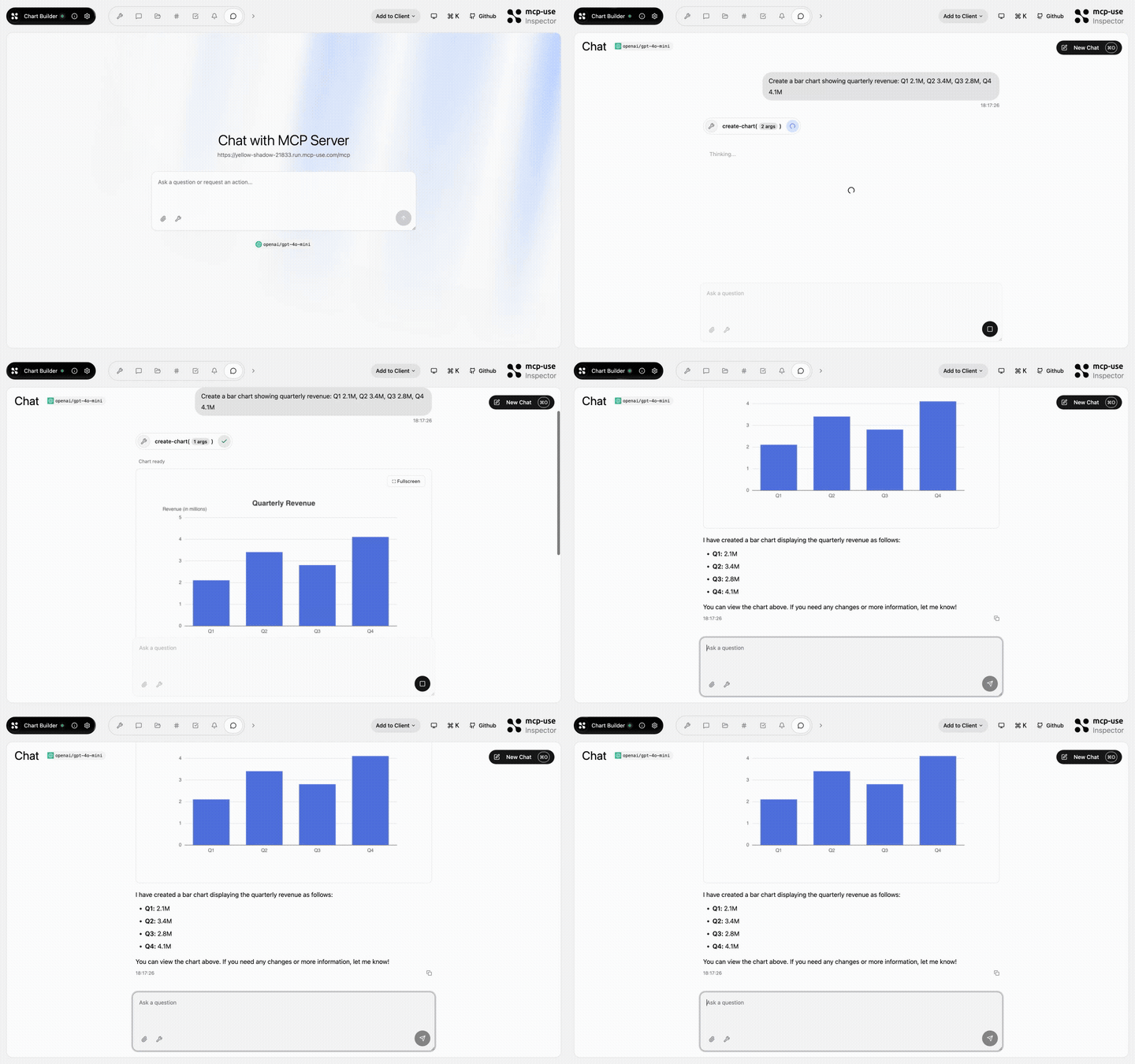 | 图表生成器 | create-chart | Open URL | mcp-use/mcp-chart-builder |  |
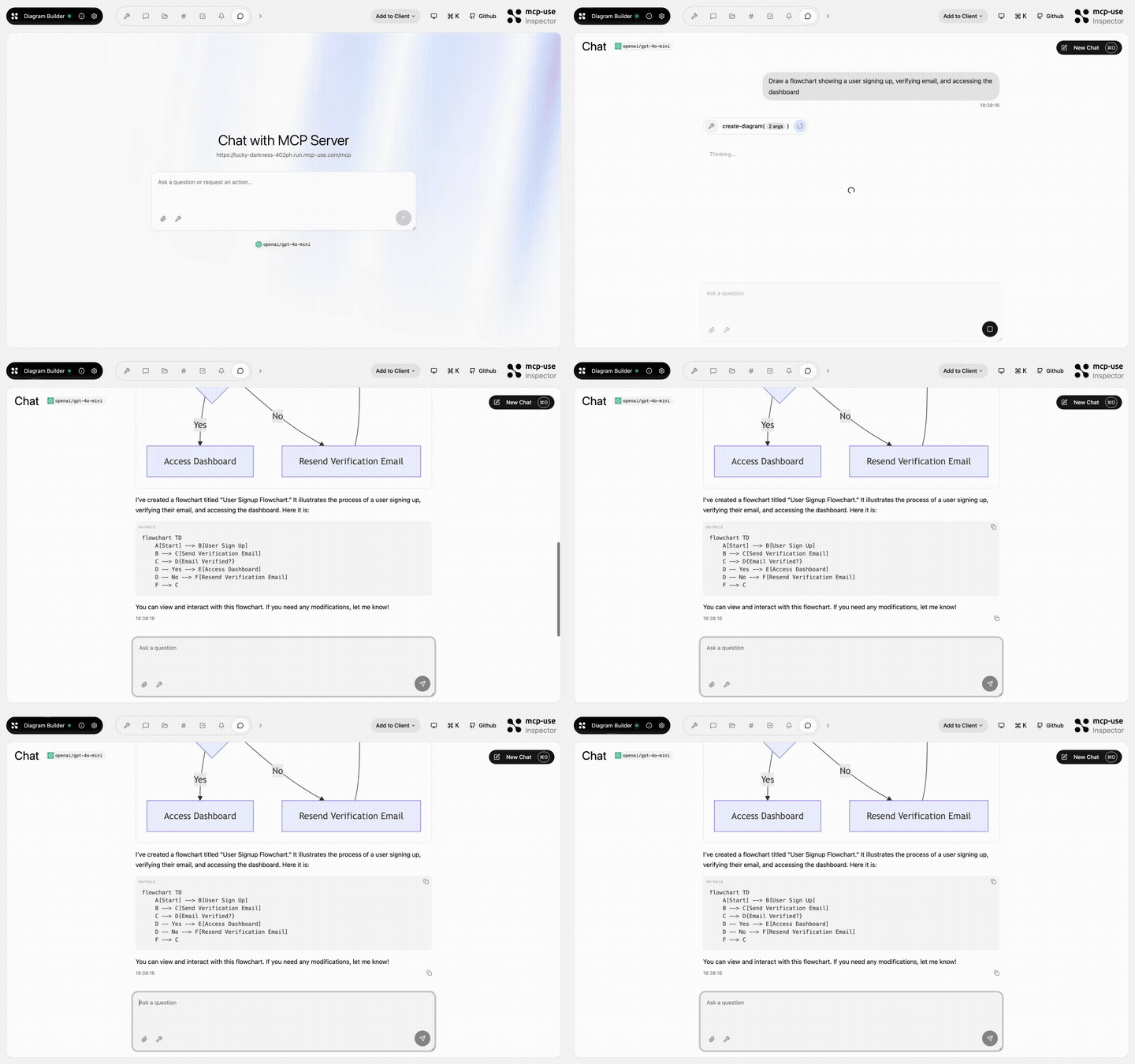 | 图表生成器 | create-diagram, edit-diagram | Open URL | mcp-use/mcp-diagram-builder | |
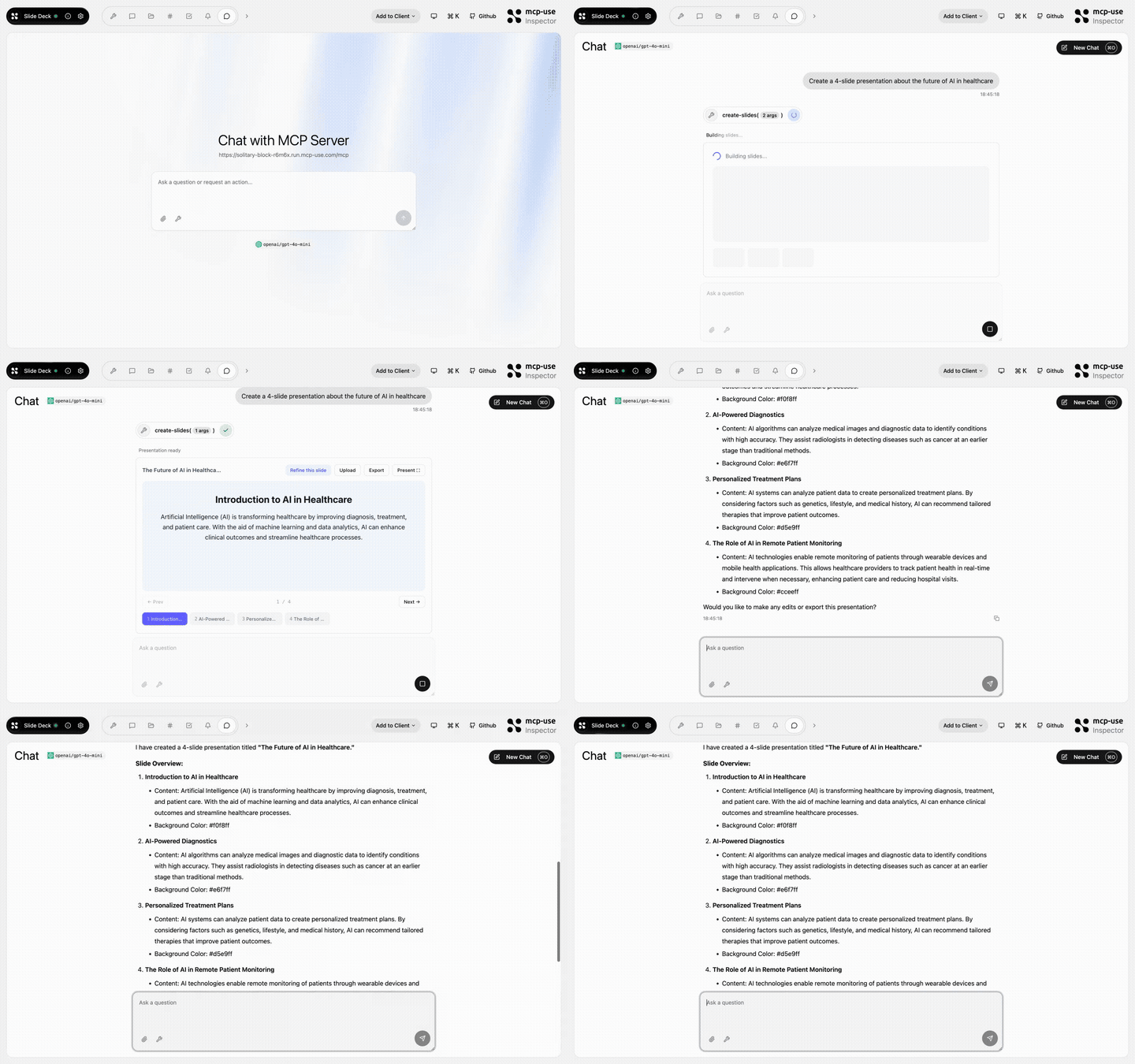 | 幻灯片 | create-slides, edit-slide | Open URL | mcp-use/mcp-slide-deck | |
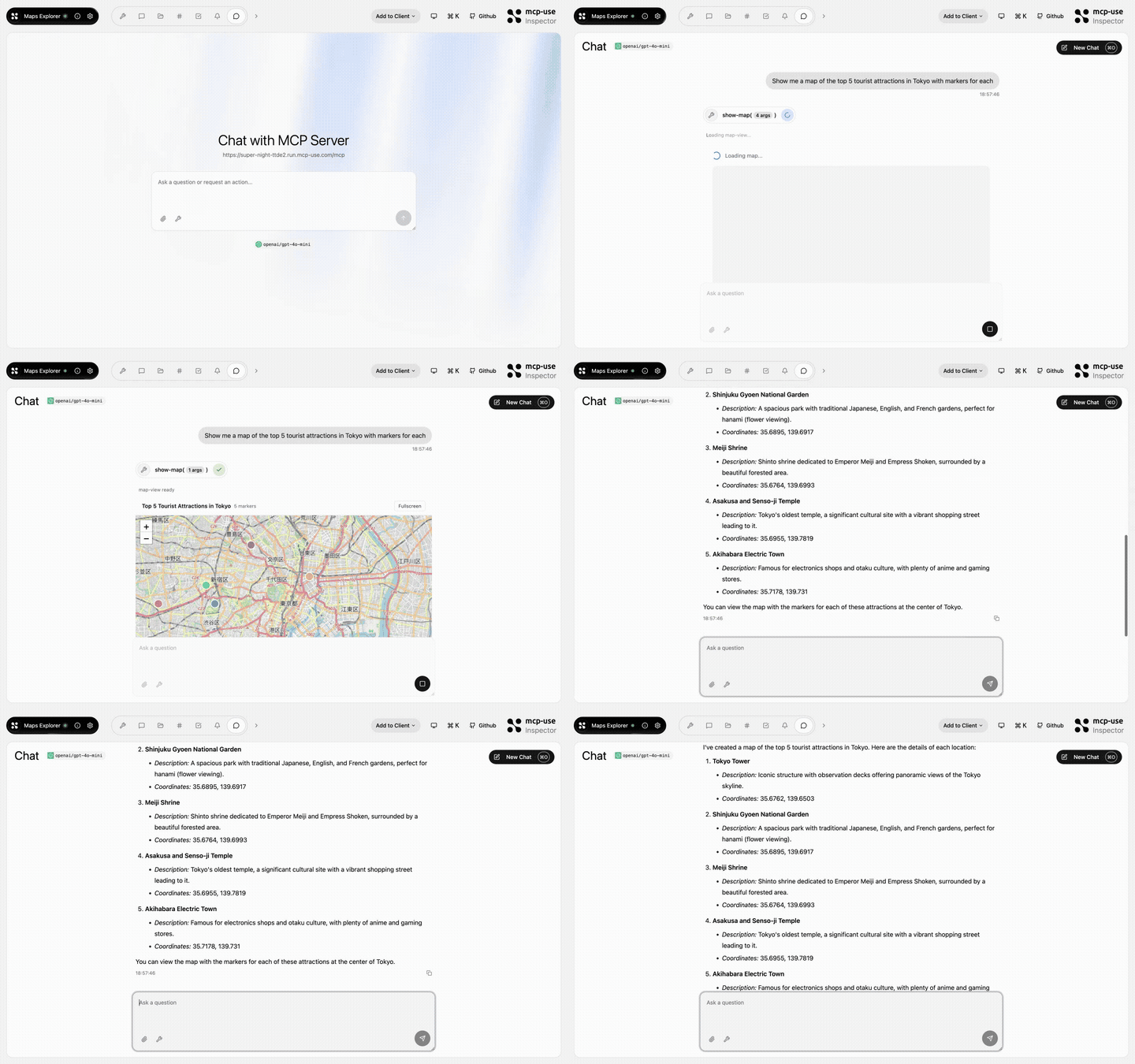 | 地图浏览器 | show-map、get-place-details、add-markers | Open URL | mcp-use/mcp-maps-explorer | |
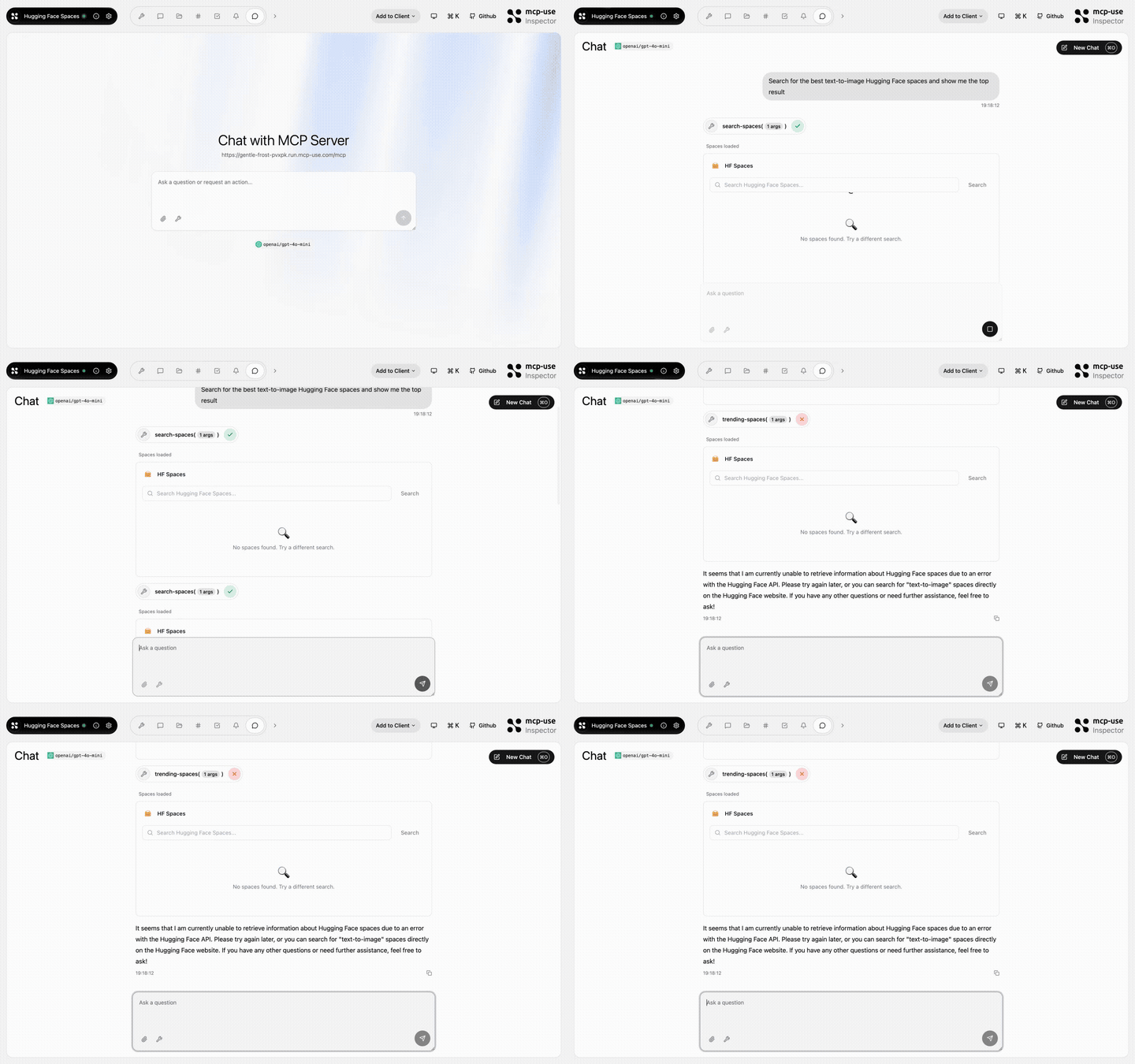 | 拥抱脸部空间 | search-spaces、show-space、trending-spaces | Open URL | mcp-use/mcp-huggingface-spaces | |
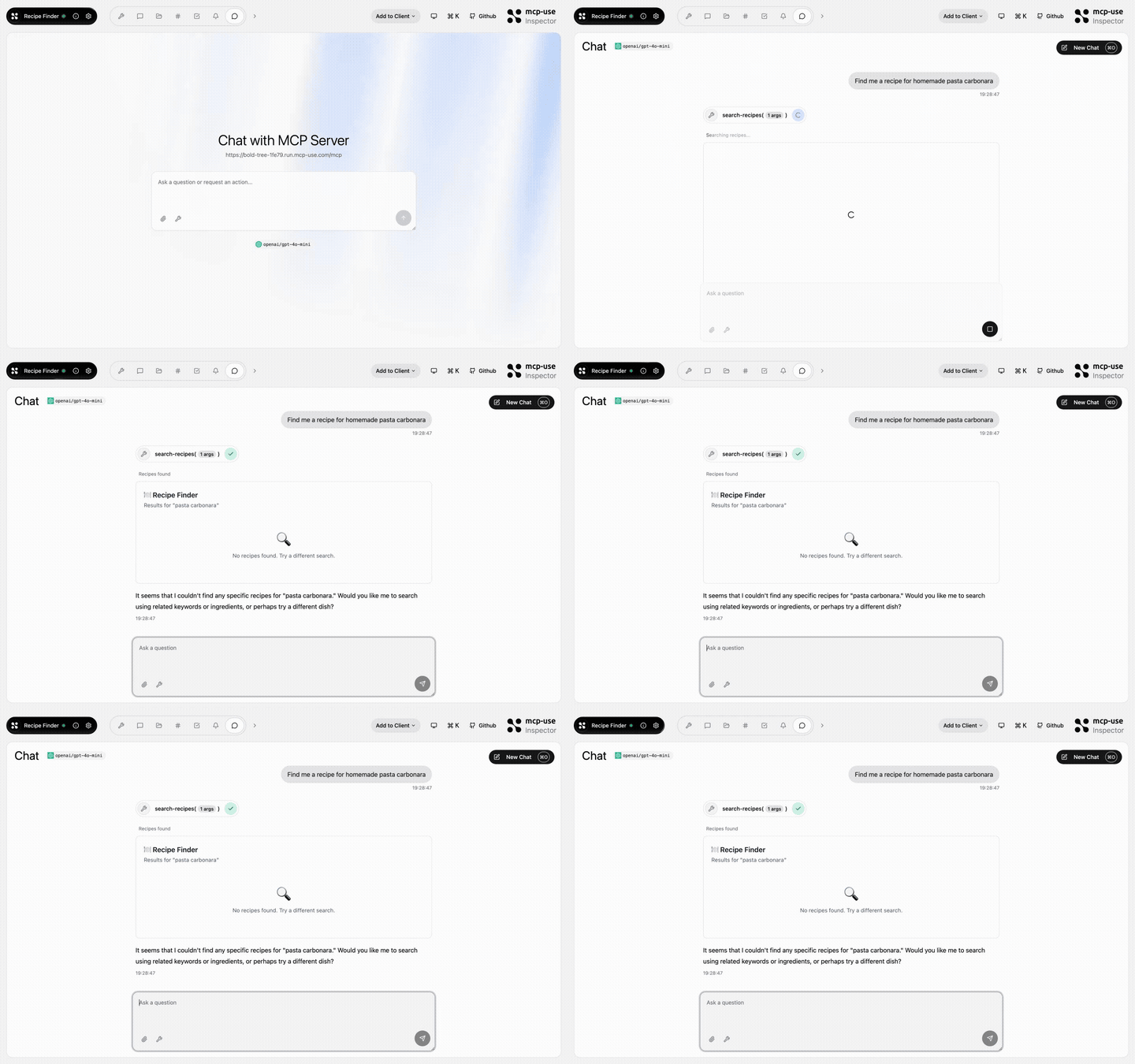 | 食谱查找器 | search-recipes、get-recipe、meal-plan、recipe-suggestion | Open URL | mcp-use/mcp-recipe-finder | |
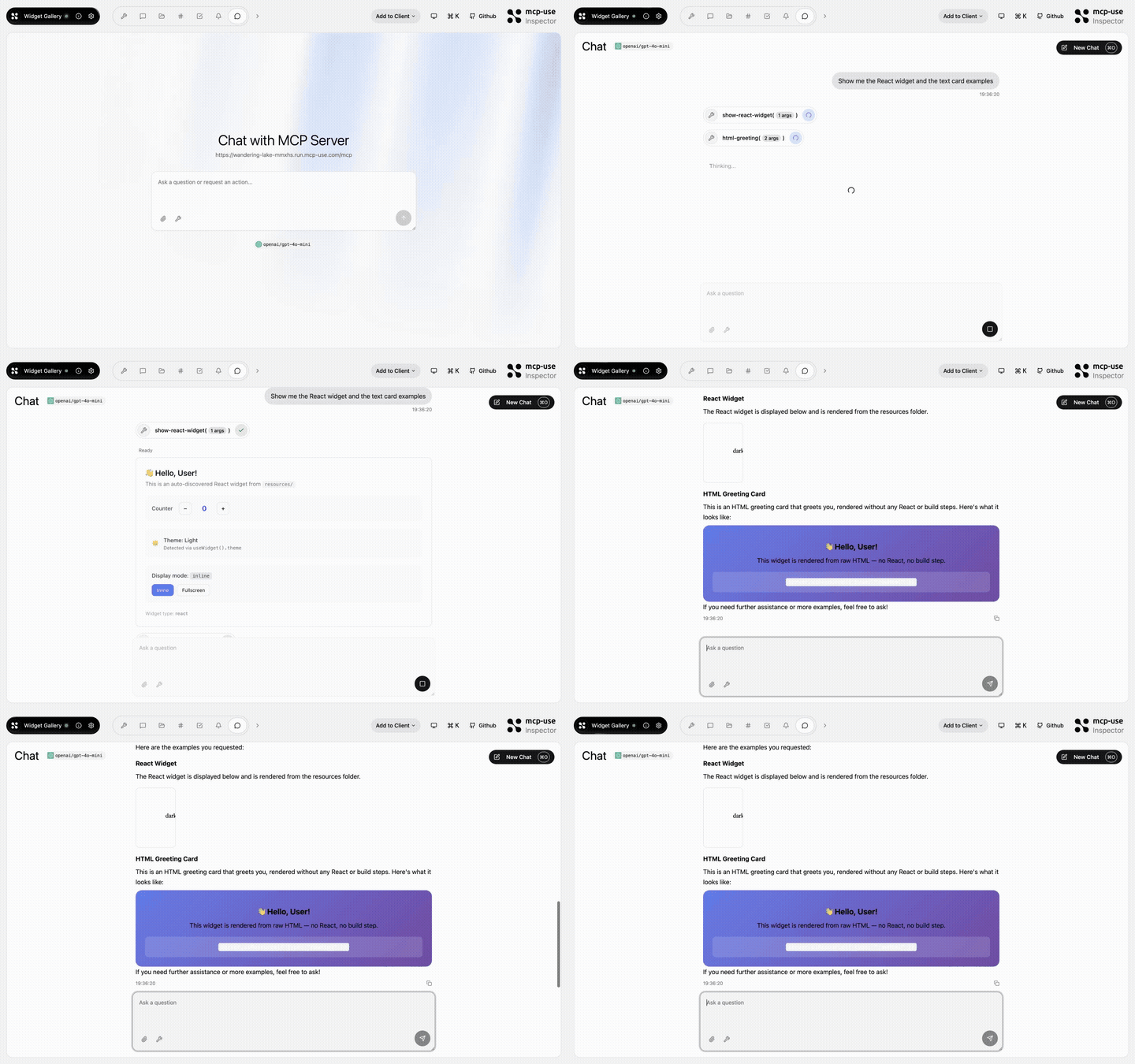 | 小工具库 | show-react-widget、html-greeting、mcp-ui-poll、programmatic-counter、detect-client | Open URL | mcp-use/mcp-widget-gallery | |
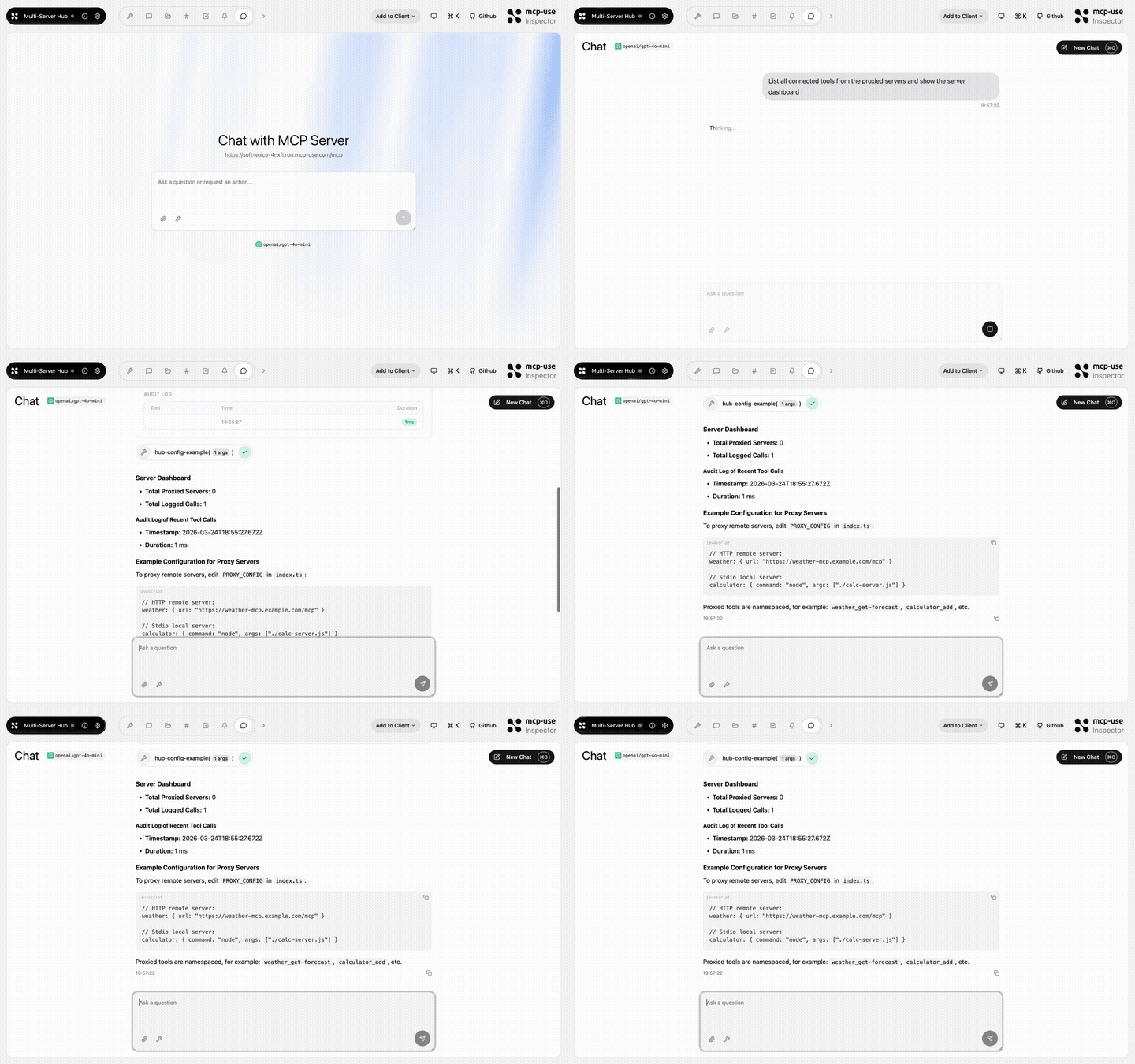 | 多服务器集线器 | hub-status、hub-config-example、audit-log | Open URL | mcp-use/mcp-multi-server-hub | |
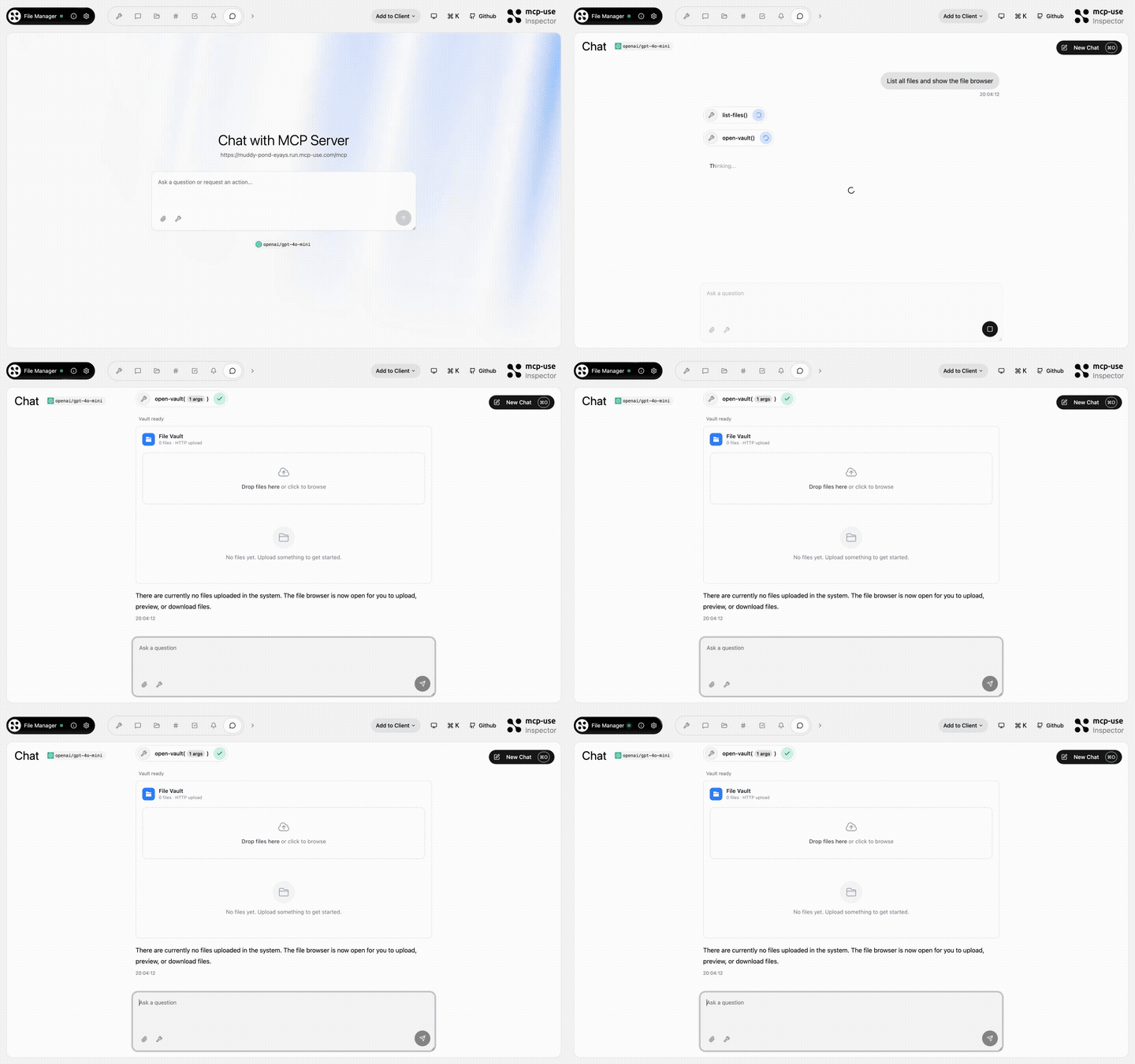 | 文件管理器 | open-vault、get-file、list-files | Open URL | mcp-use/mcp-file-manager | |
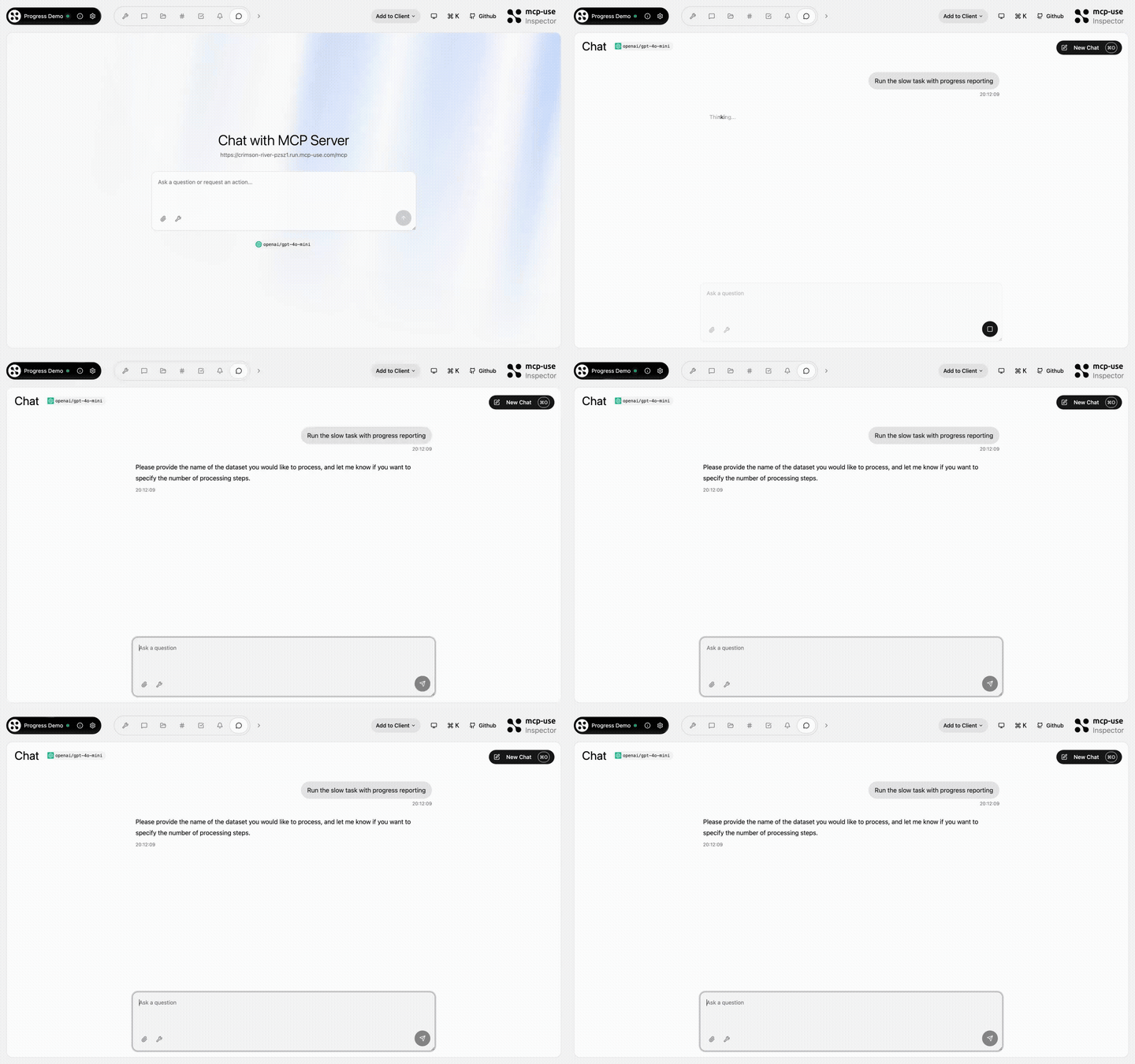 | 进度演示 | process-data、fetch-report、delete-dataset、search-external、failing-tool | Open URL | mcp-use/mcp-progress-demo | |
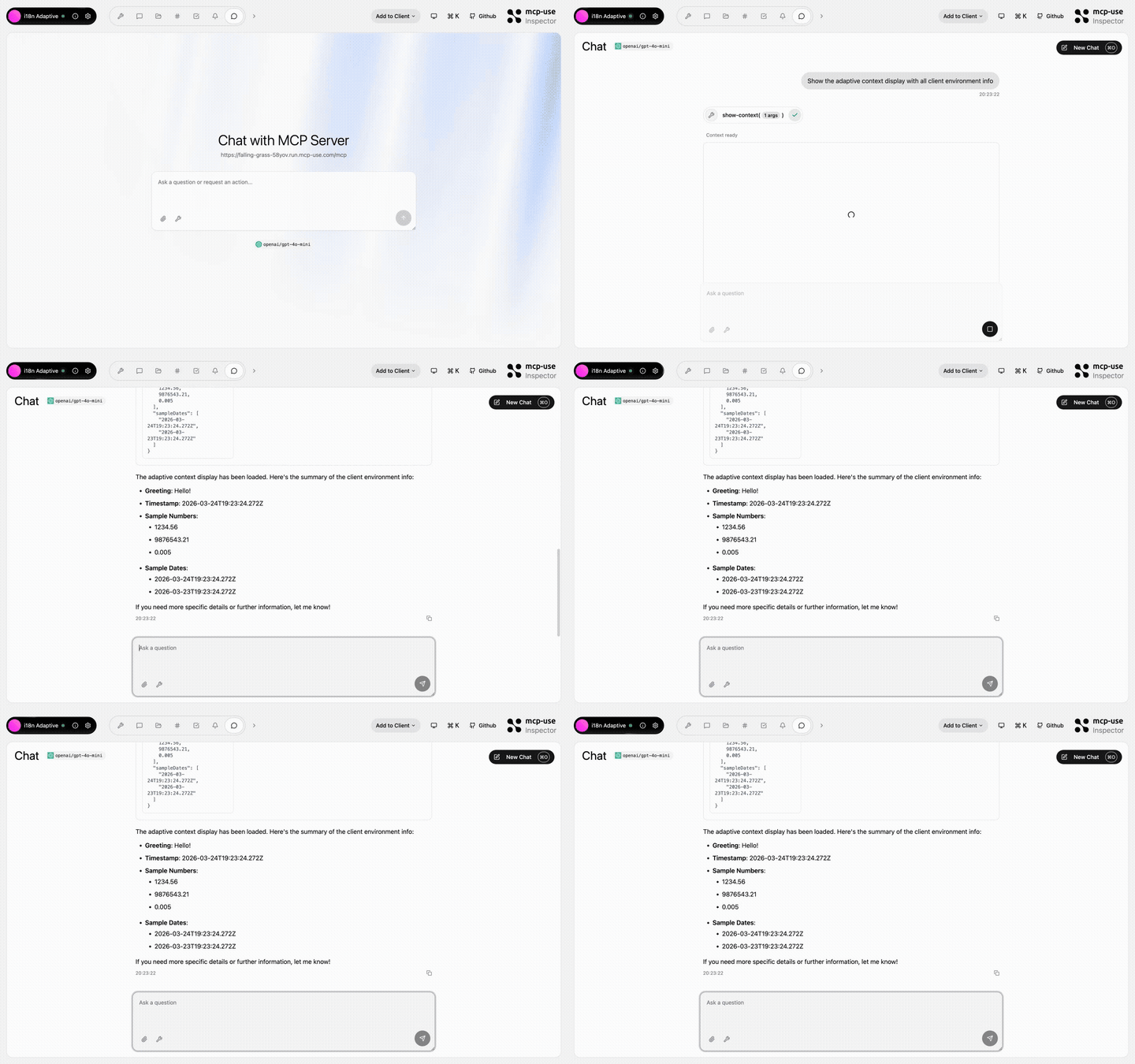 | i18n 自适应 | show-context, detect-caller | Open URL | mcp-use/mcp-i18n-adaptive | |
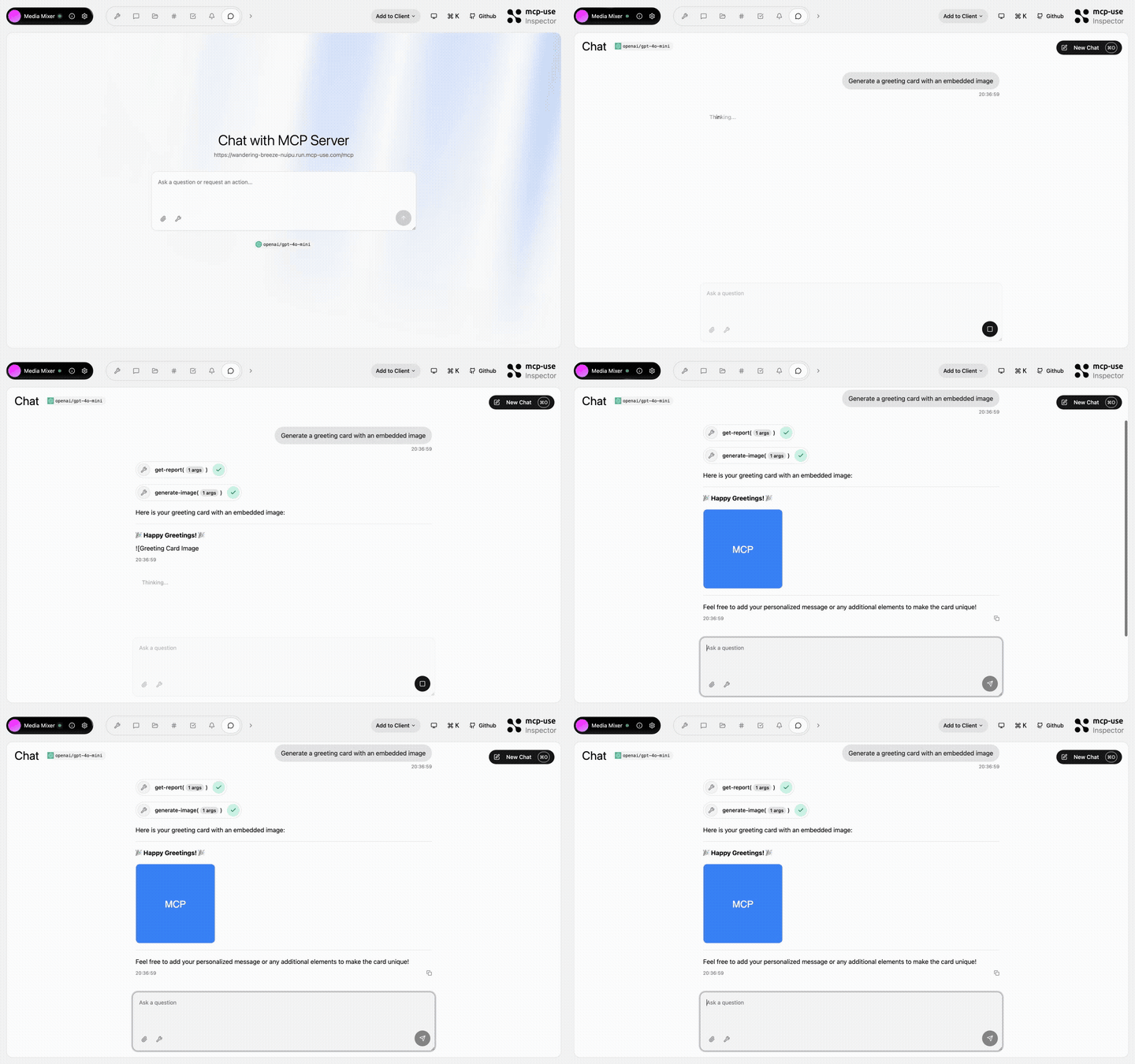 | 媒体混合器 | generate-image、generate-audio、generate-pdf、get-report、get-html-snippet、get-xml-config、 get-stylesheet、get-script、get-data-array | Open URL | mcp-use/mcp-media-mixer | |
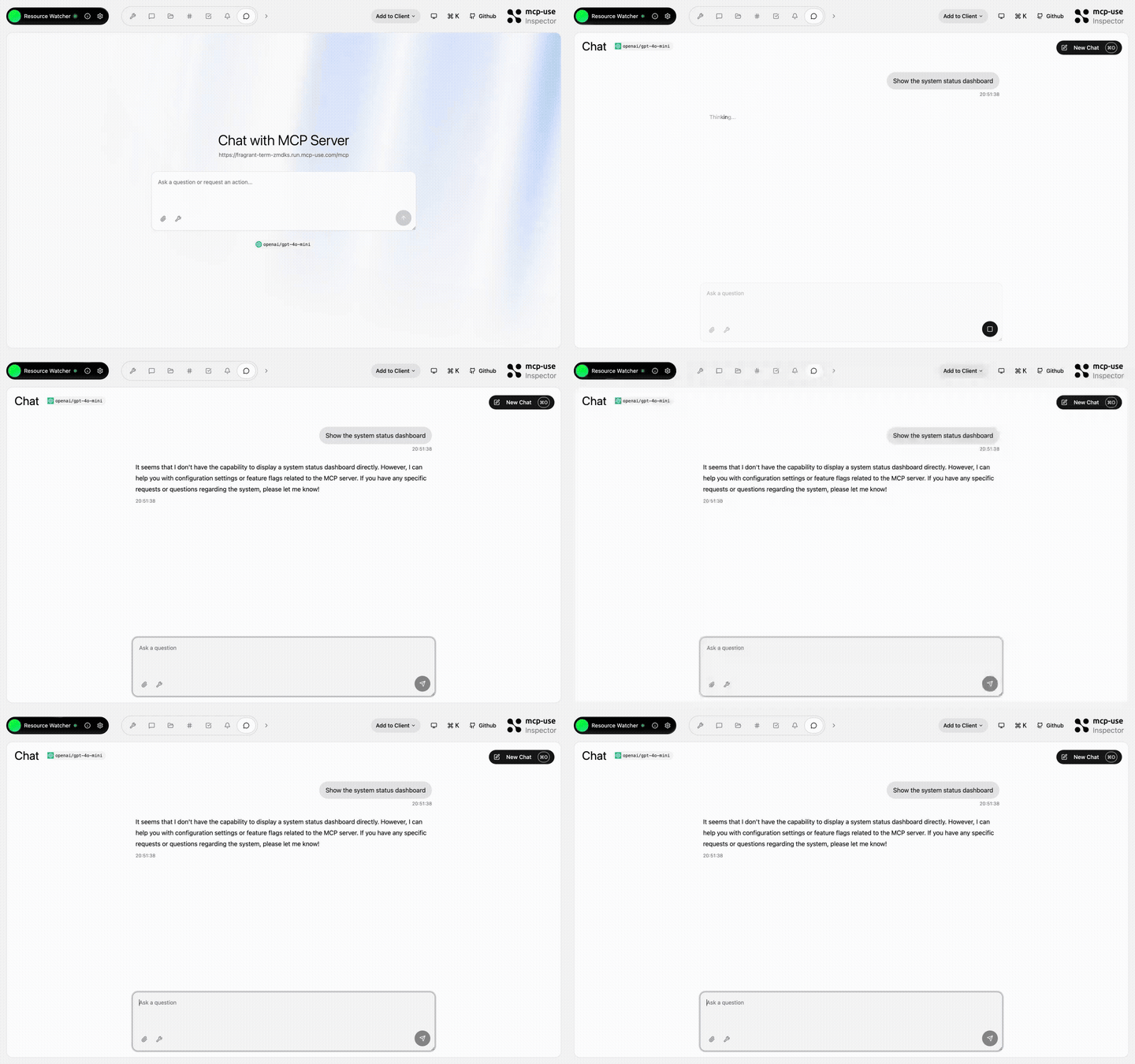 | 资源观察者 | show-config、update-config、toggle-feature、list-roots | Open URL | mcp-use/mcp-resource-watcher | |
 Python
pip install mcp-use
from typing import Annotated

from mcp.types import ToolAnnotations
from pydantic import Field

from mcp_use import MCPServer

server = MCPServer(name="Weather Server", version="1.0.0")

@server.tool(
    name="get_weather",
    description="Get current weather information for a location",
    annotations=ToolAnnotations(readOnlyHint=True, openWorldHint=True),
)
async def get_weather(
    city: Annotated[str, Field(description="City name")],
) -> str:
    return f"Temperature: 72°F, Condition: sunny, City: {city}"

# Start server with auto-inspector
server.run(transport="streamable-http", port=8000)
# 🎉 Inspector at http://localhost:8000/inspector
→ Full Python Server Documentation
检查员
mcp-use Inspector 允许您以交互方式测试和调试 MCP 服务器。
使用 server.listen() 时自动包含:
server.listen(3000);
// Inspector at http://localhost:3000/inspector
连接到托管 MCP 服务器时 在线:
独立:检查任何 MCP 服务器:
npx @mcp-use/inspector --url http://localhost:3000/mcp
部署
将 MCP 服务器部署到生产环境:
npx @mcp-use/cli login
npx @mcp-use/cli deploy
或者将您的 GitHub 存储库连接到 manufact.com — 具有可观察性、指标、日志和分支部署的生产就绪状态。
包概述
这个 monorepo 包含多个 Python 和 TypeScript 包:
Python 包
| 套餐 | 描述 | 版本 |
|---|---|---|
| mcp 使用 | 完整的MCP服务器和MCP代理SDK | |
TypeScript 包
| 套餐 | 描述 | 版本 |
|---|---|---|
| mcp 使用 | MCP 服务器、MCP 应用程序和 MCP 代理的核心框架 | |
| @mcp-use/cli | 具有热重载和自动检查器的构建工具 |  |
| @mcp-use/inspector | 用于 MCP 服务器的基于 Web 的预览器和调试器 |  |
| 创建 mcp-use-app | 项目脚手架工具 |  |
另外:MCP 代理和客户端
mcp-use 还提供完整的 MCP 代理和客户端实现。
构建人工智能代理
Python
pip install mcp-use langchain-openai
import asyncio
from langchain_openai import ChatOpenAI
from mcp_use import MCPAgent, MCPClient

async def main():
    config = {
        "mcpServers": {
            "filesystem": {
                "command": "npx",
                "args": ["-y", "@modelcontextprotocol/server-filesystem", "/tmp"]
            }
        }
    }

    client = MCPClient.from_dict(config)
    llm = ChatOpenAI(model="gpt-4o")
    agent = MCPAgent(llm=llm, client=client)

    result = await agent.run("List all files in the directory")
    print(result)

asyncio.run(main())
→ Full Python Agent Documentation
TypeScript
npm install mcp-use @langchain/openai
import { ChatOpenAI } from "@langchain/openai";
import { MCPAgent, MCPClient } from "mcp-use";

async function main() {
  const config = {
    mcpServers: {
      filesystem: {
        command: "npx",
        args: ["-y", "@modelcontextprotocol/server-filesystem", "/tmp"],
      },
    },
  };

  const client = MCPClient.fromDict(config);
  const llm = new ChatOpenAI({ modelName: "gpt-4o" });
  const agent = new MCPAgent({ llm, client });

  const result = await agent.run("List all files in the directory");
  console.log(result);
}

main();
使用 MCP 客户端
Python
import asyncio
from mcp_use import MCPClient

async def main():
    config = {
        "mcpServers": {
            "calculator": {
                "command": "npx",
                "args": ["-y", "@modelcontextprotocol/server-everything"]
            }
        }
    }

    client = MCPClient.from_dict(config)
    await client.create_all_sessions()

    session = client.get_session("calculator")
    result = await session.call_tool(name="add", arguments={"a": 5, "b": 3})

    print(f"Result: {result.content[0].text}")
    await client.close_all_sessions()

asyncio.run(main())
TypeScript
import { MCPClient } from "mcp-use";

async function main() {
  const config = {
    mcpServers: {
      calculator: {
        command: "npx",
        args: ["-y", "@modelcontextprotocol/server-everything"],
      },
    },
  };

  const client = new MCPClient(config);
  await client.createAllSessions();

  const session = client.getSession("calculator");
  const result = await session.callTool("add", { a: 5, b: 3 });

  console.log(`Result: ${result.content[0].text}`);
  await client.closeAllSessions();
}

main();
遵守模型上下文协议


社区与支持
- 不和谐:Join our community
- GitHub 问题:Report bugs or request features
- 文档:mcp-use.com/docs
- 网站:manufact.com
- X.com:关注 Manufact
- 贡献:参见 CONTRIBUTING.md
- 许可证:麻省理工学院© MCP-Use Contributors
明星历史
贡献者
感谢我们所有出色的贡献者!
核心贡献者
- 皮特罗 (@pietrozullo)
- 路易吉 (@pederzh)
- 恩里科 (@tonxxd)
旧金山 | 苏黎世